Talk
- Year
- 2021
- Type
- Bachelor Thesis
Problem
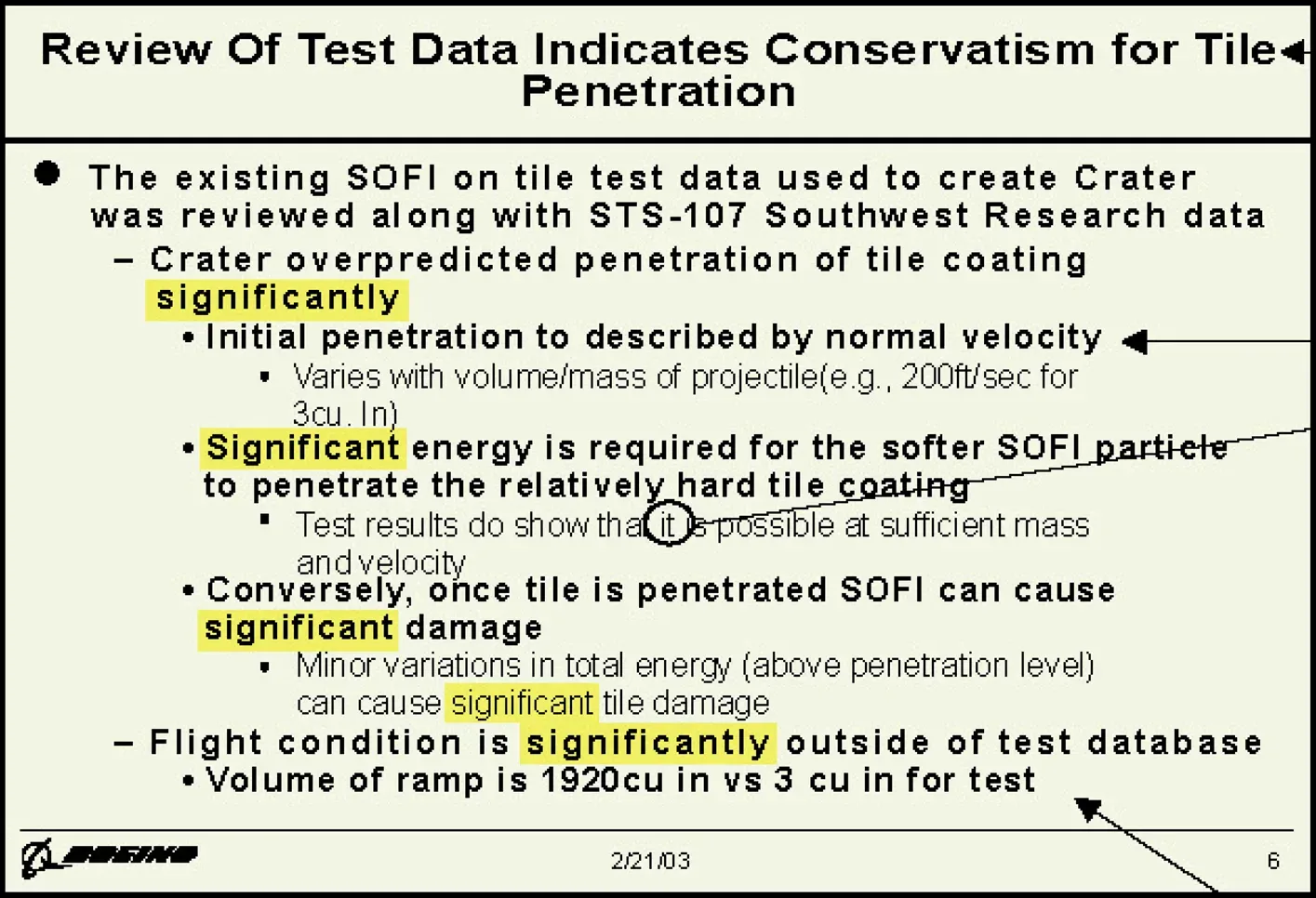
PowerPoint Slide as seen in the report of the Nasa accident investigation committee.
For my bachelor’s thesis, I wanted to tackle a problem I had experienced countless times throughout university: the numbing feeling of sitting through endless PowerPoint presentations. This phenomenon is often called “Death by PowerPoint”. Presentations where audience interest dies through poor slide design and rigid navigation alone. Edward Tufte, a renowned data visualization expert, even assigned partial blame for the Columbia space shuttle disaster to ineffective PowerPoint communication in NASA’s risk assessment processes.
While most presentations don’t have life-or-death consequences, poor presentation tools still create inefficient communication cultures plagued by inattention, misunderstandings, and wasted time and energy.
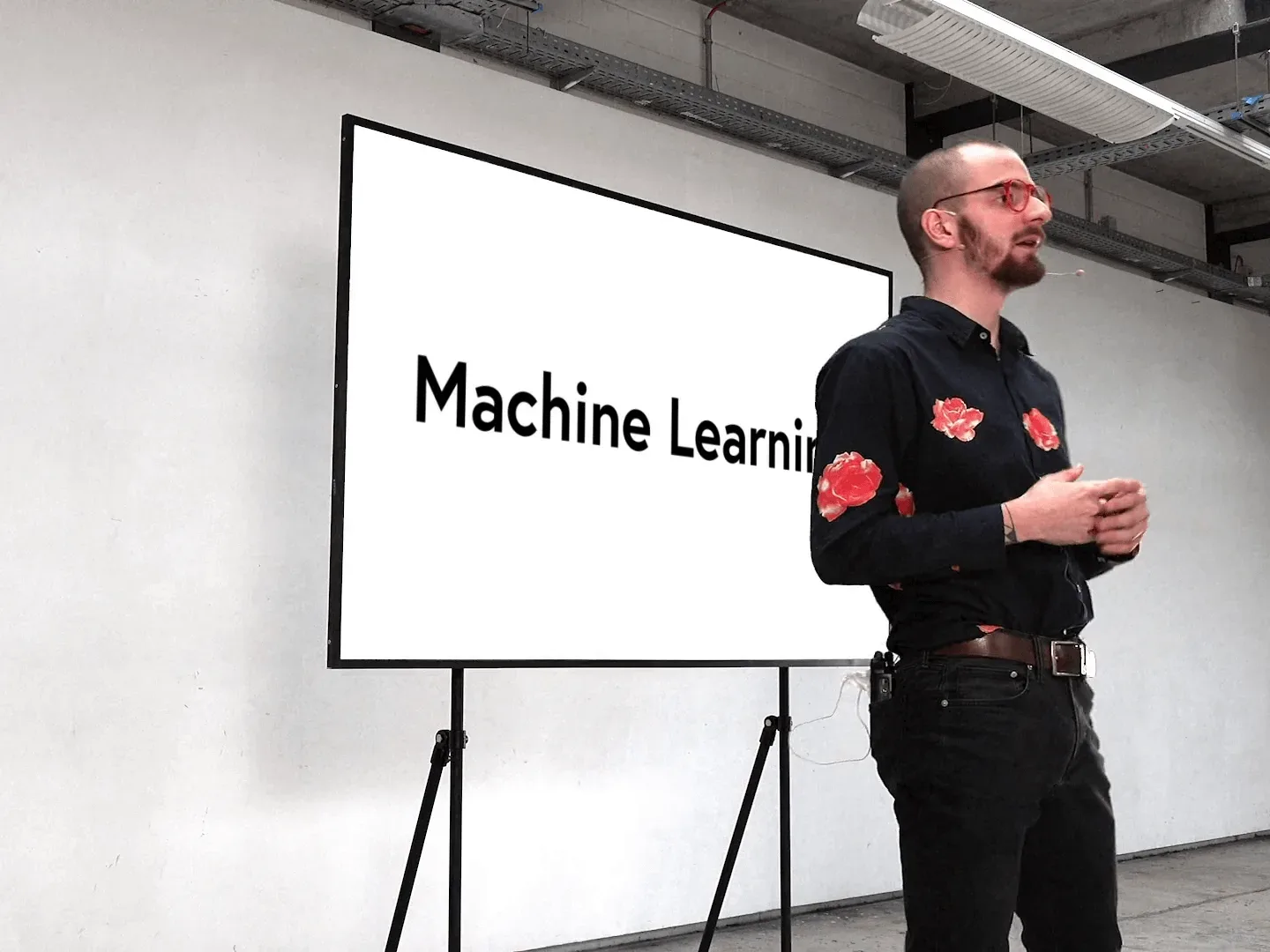
Holding presentations just with Talk.
I began exploring what a presentation tool might look like if it supported today’s dynamic, flexible communication styles. The ideal scenario would allow presenters to speak naturally and engage with their audience without worrying about navigating slides or managing layouts.
This led me to develop Talk, a presentation system that automatically handles navigation and visual structure based on spoken content. The core concept: during a presentation, the system records what you say through a microphone and automatically displays, arranges, and animates the appropriate visualizations based on your words.
How it works
Connecting paragraphs of the script with visualizations.
Talk works differently from traditional presentation software by requiring a script during setup. This script can consist of complete sentences or meaningful keywords, with each passage linked to specific visualizations.
During the presentation, you speak naturally while the system records and analyzes your words. The software compares what you say with your script passages using semantic content analysis (not simple keyword matching). This means you don’t need to speak the exact scripted words, the system understands meaning and context.
I was particularly interested in how Talk could translate linguistic emphasis into visual hierarchy. When we speak, we naturally use sentiment, emphasis, and figures of speech to convey importance. The system analyzes these speech patterns and translates them into corresponding visual elements. Automatically creating emphasis and de-emphasis in the presentation that aligns with what you’re saying.
For example, if one were to say during a presentation:
We are going to implement X and Y. However, implementing Y is still a long way off.
In the presentation, X would remain in the foreground and Y would move to the background.
Technical implementation
The core challenge was building a system that could understand and respond to natural speech in real-time. I built a prototype of Talk using machine learning algorithms, specifically Natural Language Processing techniques for processing spoken language.
The system relied on three key NLP capabilities: Speech-to-Text for converting speech to text, Semantic Similarity for matching spoken content with scripted passages, and Document Classification for analyzing sentiment and emphasis patterns.
Results
The system I developed represented a fundamentally different approach to presentations compared to existing slide-based tools on the market. By automatically generating both visual structure and navigation based on spoken content, Talk addressed several key limitations of traditional presentation software.
- Presenters could address audience questions instantly without needing to navigate to specific slides first
- No need to remain tethered to a laptop for slide advancement
- Reduced temptation to read directly from slides, encouraging more engaging presentation styles
- Eliminated the need to manually create slide layouts, preventing common issues like overcrowded slides with excessive bullet points